


In this article, I will review the most effective Marketing Automation Tools for Agencies designed to simplify campaigns, automate lead nurturing, enhance client management, and increase marketing effectiveness.
These tools save time, scale operations, and provide actionable insights, making them increasingly important for companies with multiple clients and complex marketing processes.
Key Points & Best Marketing Automation Tools For Agencies
- HubSpot — Comprehensive CRM + marketing automation platform, ideal for inbound marketing and client management.
- Marketo — Enterprise-grade automation with advanced lead nurturing and analytics.
- ActiveCampaign — Strong email automation, customer experience workflows, and affordable pricing.
- Pardot (Salesforce) — B2B-focused automation with deep Salesforce integration.
- Omnisend — Multi-channel automation (email, SMS, push) tailored for eCommerce agencies.
- Mailchimp — Easy-to-use automation for small to mid-sized agencies, strong email campaign features.
- Zoho CRM + Campaigns — Budget-friendly automation with CRM integration for growing agencies.
- Keap (Infusionsoft) — Automation plus sales pipeline management, good for small businesses and agencies.
- SharpSpring — Agency-centric pricing model, white-label options, and strong lead tracking.
- Sendinblue — Affordable automation with email, SMS, and transactional messaging capabilities.
9 Best Marketing Automation Tools For Agencies
1. HubSpot
HubSpot has everything needed for inbound marketing and sales in one place. For agencies that deal with content, email, CRM, and analytics, For agencies that manage content, email, CRM, analytics, and need their marketing campaigns to automate
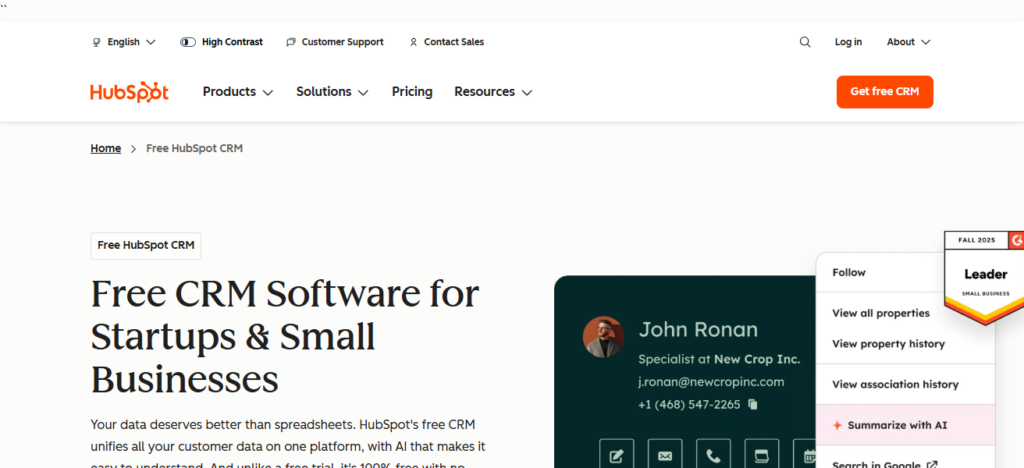
HubSpot has all the marketing automation tools needed to create and manage workflows to nurture leads based on behavior, dynamically segment audiences, and score leads based on readiness for sales. HubSpot has strong integrations to sync customer data with ads, social media, and websites to help teams deliver campaigns.
Campaign reporting and dashboards provide insights into funnel, performance, ROI, and effectiveness. HubSpot is user-friendly for new marketers and, because of their scalable, extensive ecosystem, is a great product for agencies servicing SMBs and Enterprise clients.
HubSpot– Key Features
- All-in-One Marketing Hub: Agency workflow made easier through a combination of several services including CRM, Email Marketing, Landing Pages, and provides analytics as well.
- Advanced Workflow Automation: Create automation for behavior-based lead nurturing, segmentation, and follow-up across email, ads, and websites.
- Powerful CRM Integration: Real-time synchronization of interaction and deal data for all contacts through the native CRM.
- Detailed Reporting & Analytics: Clients benefit from custom dashboards to track digital analytics including traffic, conversions, and ROI at each step of the funnel.
| Pros | Cons |
|---|---|
| All-in-one platform with CRM, marketing, sales, and analytics | Pricing increases significantly as contacts grow |
| Easy-to-use interface, ideal for beginners | Advanced features locked behind higher-tier plans |
| Powerful workflow automation and lead scoring | Limited customization compared to some enterprise tools |
| Excellent reporting and ROI tracking | Can be costly for small agencies |
| Large integration ecosystem and strong support | Long-term contracts for premium plans |
2. Marketo
Marketo forms a piece of the Adobe Experience Cloud and is a leading enterprise-grade marketing automation platforms built for businesses with complex and high-volume needs.
It does a great job of managing leads, and is capable of advanced email marketing and does well with multipoint campaign management.
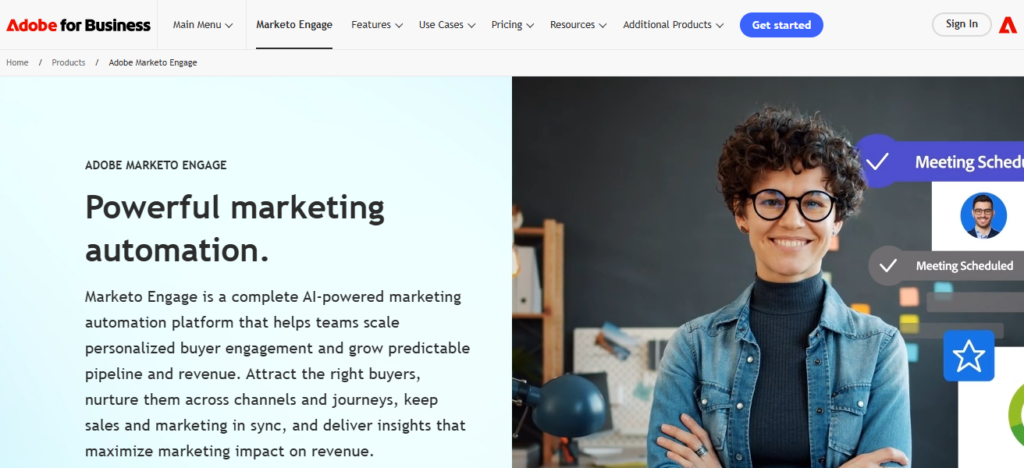
Marketo’s segmentation and predictive behaviors allow agencies to customize journeys to customers at scale based on web tracking and email and CRM interaction behaviors. It integrates quite well with salesforce and other CRMs, helping align marketing and sales teams to work better together.
Learning curves are steep for this and pricing is also high compared to the competition. Most agencies aiming for enterprise clientele are willing to sacrifice ease of use and lower pricing for Marketo’s depth in automation, reporting, and cross-channel orchestration.
Marketo– Key Features
- Enterprise-Level lead Management: Complex nurturing, tracking, and scoring lead in the enterprise tier for advanced B2B funnel systems.
- Multi-Channel Campaign Automation: Utilize event and ads management all through one automation engine.
- Predictive Analytics & Segmentation: Personalized campaigns for mass audiences scaled, through data and internal behavior-driven insights.
- CRM & Adobe Ecosystem Integration: For enterprise-level integration, Marketo forms a strong partnership with Salesforce as well as Adobe tools.
| Pros | Cons |
|---|---|
| Enterprise-grade automation and scalability | Very expensive for small or mid-size agencies |
| Advanced lead nurturing and segmentation | Steep learning curve |
| Deep Salesforce and Adobe integration | Requires technical expertise |
| Powerful analytics and attribution modeling | Interface feels complex |
| Ideal for large B2B campaigns | Not beginner-friendly |
3. ActiveCampaign
Active Campaign is a combination of CRM, customer experience, and marketing automation tools. It is a great tool for agencies to use. It is especially good for building automated emails, behavioral tagging, audience segmentation, and sales lead scoring.
Users can set up automated emails to send workflows to individuals who meet a set of defined criteria.
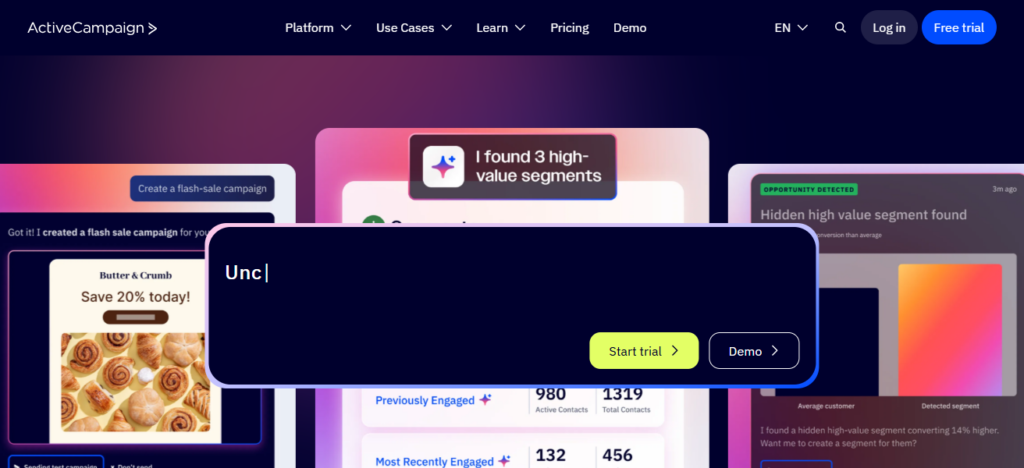
Because of the platform’s built-in CRM, you don’t need to run separate sales and marketing data systems. Reports can be generated or viewed to track engagement, conversion, and revenue.
Active Campaign is a good match for any agency that assists its clients in developing automated customer journeys for Active Campaign due to its affordability and personalized features.
ActiveCampaign – Key Features
- Visual Automation Builder: Allows the creation of customizable, drag and drop automation workflow systems that trigger with user-specific actions.
- Advance Email Marketing: Custom campaigns with personalization at the individual level, with adaptive content and conditional workflows, are all possibilities.
- Integrated CRM: No need to incorporate external systems; you will have access to sales timelimes, automated workflow systems, and client management.
- Engagement/Conversion Tracking: Directly measure the status of emails, conversion success, and revenue realization.
| Pros | Cons |
|---|---|
| Excellent email automation and personalization | Limited native social media tools |
| Affordable pricing for agencies | Reporting not as deep as enterprise platforms |
| Built-in CRM for sales alignment | Can become complex with large workflows |
| Visual automation builder is intuitive | No full content management system |
| Strong segmentation and tagging | Limited multi-account management |
4. Pardot (Salesforce)
Salesforce’s B2B Marketing automation tool, Pardot, is made for organizations dealing with complex sales cycles and high-value accounts. It integrates with Salesforce CRM to synchronize the marketing and sales funnels.
Pardot automation includes responsive and multi-step drip campaigns, lead nurturing, lead scoring and assignment rules. It analyzes campaigns and drawers buyers to provide insights on channel engagement, ROI and engagement metrics.
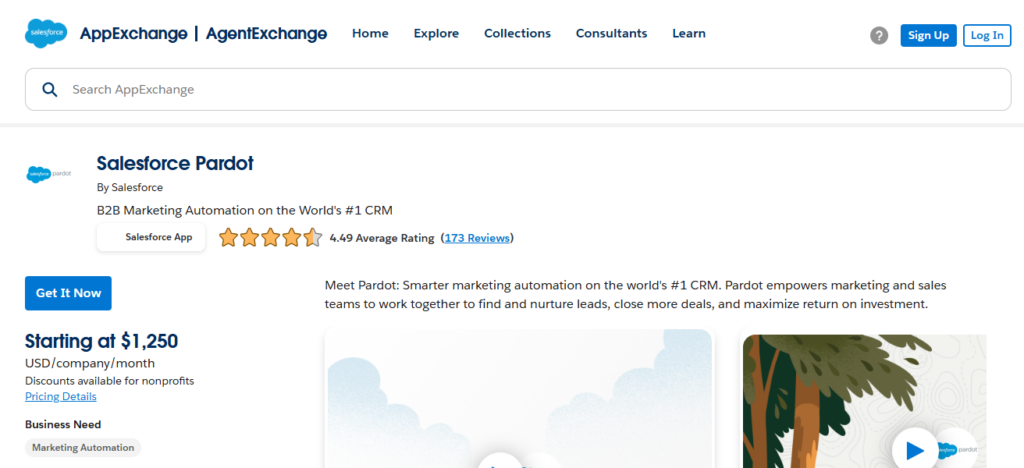
Pardot is more technical in terms of the interface and the setup, but with enterprise focus and strong reporting, it fits mid-market to large enterprise clients that need automation strategies based on data and CRM collaboration.
Pardot(Salesforce) – Key Features
- Self-Contained Integration with Salesforce: Xync to Salesforce CRM for total sales and marketing synchronization.
- B2B Lead Nurturing Tools: Automated watering of leads, management of lead grading, and assigning of rules.
- Campaign Analytics and Marketing ROI: With in-depth reports, foresee the marketing impact within the funnel of sales.
- ABM: Built for longer sales cycles and critical enterprise accounts.
| Pros | Cons |
|---|---|
| Seamless Salesforce CRM integration | High pricing |
| Strong B2B lead scoring and nurturing | Requires Salesforce knowledge |
| Advanced reporting and ROI tracking | Interface less intuitive |
| Ideal for long sales cycles | Limited design flexibility |
| Enterprise-level data accuracy | Not suitable for small agencies |
5. Mailchimp
Mailchimp, an email marketing and automation software first and foremost, has broadened its scope and currently provides an accessible marketing automation platform fit for agencies catering to small to medium-sized customers.
It provides automation for welcome series, abandoned cart emails, and messages triggered from customer behaviors, which makes campaign automation very easy.
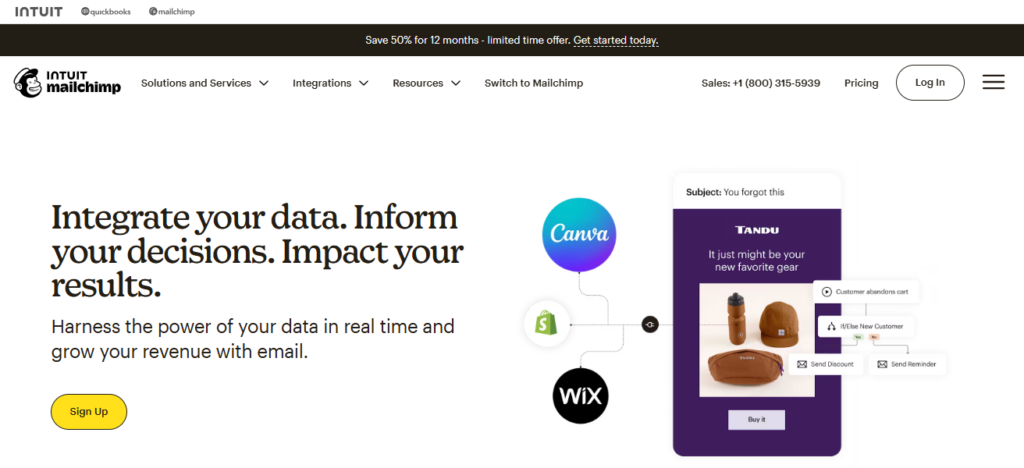
Campaigns can be created very quickly and easily due to a performance analytics tool as well as an audience segment tool which allows for the campaigns to be customized.
Even though it’s missing the automation capabilities and complexity of an enterprise tool, its integrations with e-commerce platforSophies such as Shopify and WooCommerce
Provide an edge for agencies concentrating on email and customer journey automation. The platform provides a low-cost solution with little learning required.
Mailchimp – Key Features
- How Easy Email Marketing Can Be: The automated systems for instant messages, shopping cart abandonment reminders, and inactivity reminders are ready-made, and fully customizable.
- Campaign Builder with Drag and Drop: Simple, and quick design elements are available.
- Behavior Based Targeting: Up to the minute on users so you can target based on their immediate actions.
- eCommerce Integration: Works with tools like Shopify, WooCommerce, and other online retail systems easily.
| Pros | Cons |
|---|---|
| Easy to use with quick setup | Limited advanced automation |
| Affordable for small agencies | Basic CRM functionality |
| Strong email deliverability | Audience limits can increase cost |
| Great eCommerce integrations | Weak lead scoring |
| Drag-and-drop campaign builder | Not ideal for complex funnels |
6. Zoho CRM + Campaigns
The combination of Zoho Campaigns and Zoho CRM makes it easier for businesses to manage customer information and automate marketing processes.
Zoho Campaigns automates emails and manages customer response to emails, while Zoho CRM manages customer data, and customer interactions.
Changes made and updates to customer interactions take place automatically, reducing the burden to manage the system on the user end. Added tools that this system also provides includes analytics, social tools, and customer support.
Sales and marketing reports are combined, which improves measuring campaign success. The analytics provide businesses with data that assist them in making quick decisions.
Due to the low price and great customization, this CRM and automation system is ideal for agencies that assist multiple clients to improve their CRM.
Zoho CRM + Campaigns – Key Features
- CRM Driven Automation: Automate the process of launching campaigns based on the current status of the lead, the stage of the deal, or activity within the CRM.
- Email Marketing & Segmentation: Build custom email automation from behaviors and attributes set on your contacts.
- Unified Sales & Marketing Reports: Evaluate results by campaign, leads, and conversions from a single view.
- Scalable Zoho Ecosystem: Continue with Zoho Analytics, Social, Desk, and more as your agency requirements expand.
| Pros | Cons |
|---|---|
| Cost-effective automation solution | Interface can feel cluttered |
| Strong CRM and email integration | Email editor less flexible |
| Customizable workflows | Learning curve for full ecosystem |
| Works well for multi-client agencies | Limited third-party integrations |
| Scalable Zoho ecosystem | Support response can be slow |
7. Keap (Infusionsoft)
Keap (previously Infusionsoft) is a CRM and marketing automation platform designed for marketing agencies who work with small businesses and solopreneurs.
Keap specializes in automating almost every aspect of the automation customer lifecycle, including lead capture, follow up, appointment scheduling, and e-commerce automation.
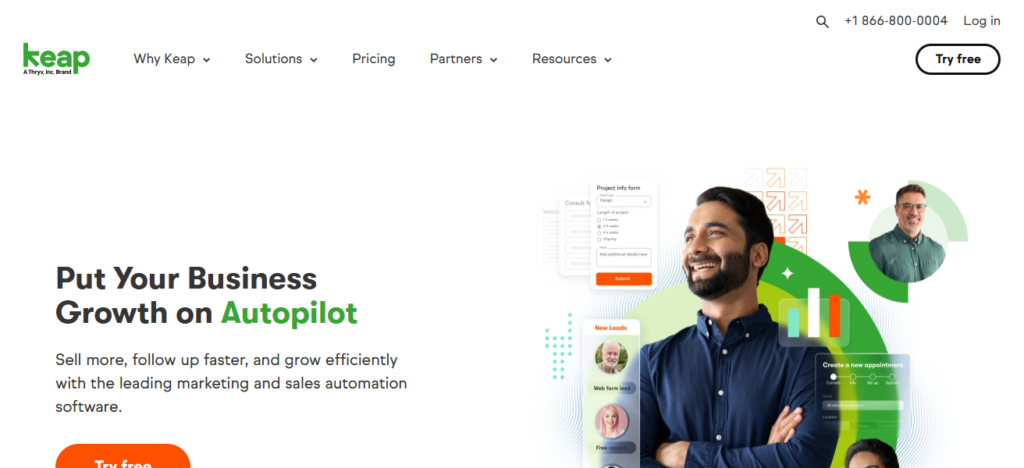
Keap has an automation builder that allows agencies to create appointment reminders, form submissions, purchase confirmations, and other actions that initiate automation sequences. Its CRM captures and centralizes the contact activity and deal pipeline histories.
Since the application has sales and payment features, leads can be converted faster. More geared towards small business clients, Keap is continue to be a good fit for small business marketing agencies who don’t need enterprise-level functionality and simplicity in automation.
Keap (Infusionsoft) – Key Features
- Small Business Automation: Facilitates lead capture, follow-ups, and customer lifecycle automation.
- Built-In CRM & Sales Tools: Covers contacts, deals, appointments, and communication history.
- E-commerce & Payments: Includes invoices, subscriptions, and payment processing as part of your workflows.
- Easy Automation Builder: Available visual tools to build email and SMS follow-up sequences.
| Pros | Cons |
|---|---|
| Strong automation for small businesses | Expensive for startups |
| Built-in payments and invoicing | Limited reporting depth |
| Easy lead capture and follow-ups | Not designed for enterprise use |
| CRM + automation in one tool | Interface feels outdated |
| Good for service-based clients | Limited customization options |
8. SharpSpring
Built specifically to meet the budgetary and service model needs of agencies, SharpSpring includes a full suite of features including: email automation, behavioral tracking, dynamic landing pages, social media management and more at an attractive price point.
SharpSpring tracks and scores leads and their engagement, enabling agencies to build automation and workflow systems to suit their needs.
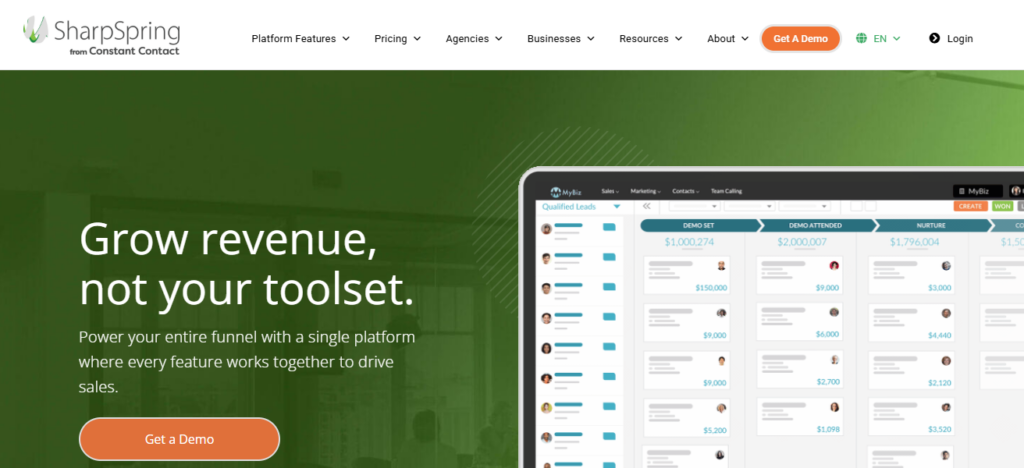
SharpSpring can integrate with multiple third party systems. It’s a flexible systems that can accommodate a variety of tech stacks. With white label agency options and white-label client portal, agencies can brand the software as their own.
With reporting and analytic tools built in, agencies can provide their clients with an ROI. Automation capabilities, and pricing options make SharpSpring an attractive option.
SharpSpring – Key Features
- Agency-Focused Automation: Tailored for agencies with automation and features for multiple clients.
- Behavior-Based Tracking: Monitors site visits, emails, and lead engagements for automation rules.
- White-Label Platform: Software can be branded as your solution for agencies.
- Open Integration Framework: Easy to connect to 3rd party tools and custom software.
| Pros | Cons |
|---|---|
| Agency-focused pricing model | UI not as modern as competitors |
| White-label options for agencies | Limited native integrations |
| Powerful behavior-based automation | Email templates are basic |
| Built-in CRM and analytics | Support quality varies |
| Competitive pricing vs enterprise tools | Learning curve for advanced features |
9. Sendinblue
Sendinblue provides email marketing, SMS automation, chat, and CRM service all in one place making it available and affordable to agencies of all sizes.
Their automation builder has triggered workflows based off of customer initiated actions like opening an email, clicking a link, or interacting with a website to help agencies effectively nurture leads and re-engage audiences.
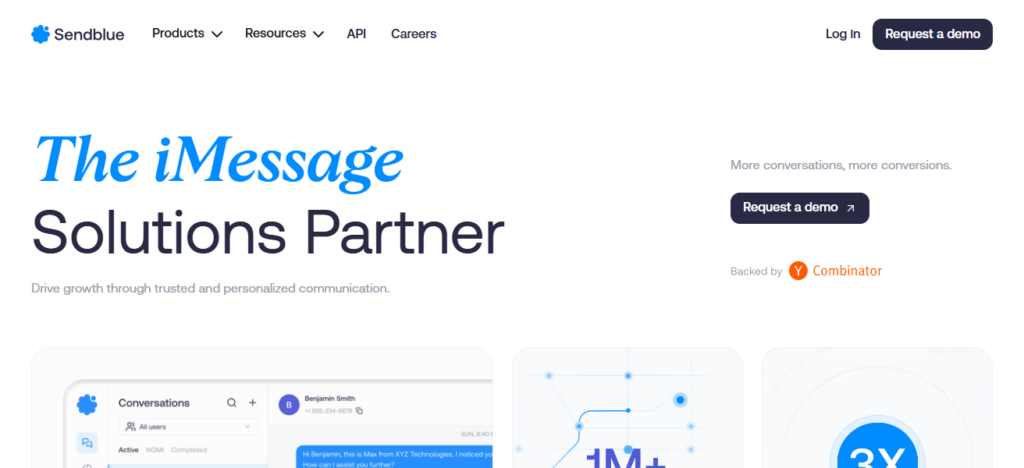
Sendinblue allows for multi-channel campaigns with email and SMS combined with transactional messaging to help with client campaigns.
Their CRM service provides agencies with a way to keep contact details organized in addition to tracking trends for engagement and conversions in real time.
With reasonable pricing and effective automation, Sendinblue is a great solution for agencies looking for a multi-channel automation service.
Sendinblue – Key Features
- Cross-Channel Automation: Unified management of email, SMS, chat, and transactional communication.
- Custom Automation Workflows: Campaigns can be launched according to user activity and triggered engagement signals.
- Lightweight Self-Contained CRM System: It keeps track of all your contacts, their deals, and communication histories.
- Incredible Deliverability & Reporting: Allows you to track opens, clicks, and conversion rates real-time.
| Pros | Cons |
|---|---|
| Affordable multi-channel automation | Limited advanced CRM features |
| Strong email and SMS automation | Fewer native integrations |
| Flexible pricing based on usage | Reporting is basic |
| Good transactional email support | Limited customization |
| Easy automation setup | Not ideal for complex funnels |
Conclsuion
In concluding Marketing the best automation tools for agencies is dependent upon the size of your client, your budget, and the level of complexity for the campaign.
Automation of workflows, nurturing of leads, s and performance tracking is made easier with tools like Hubspot, Marketo, ActiveCampaign, and Sendinblue to assist agencies.
The proper tool will help increase productivity, and provide measurable results and the agency will be able to grow with the ability to offer more personal marketing, driven by data, for every client.
FAQ
Marketing automation is software that automates repetitive marketing tasks—like emails, lead nurturing, SMS, and workflows—to save time and deliver personalized campaigns at scale.
Agencies use automation to manage multiple clients efficiently, improve targeting, track ROI, nurture leads, and deliver data-driven results without manual work
Tools like Mailchimp, ActiveCampaign, Sendinblue, and Keap are popular for small agencies due to ease of use and affordable pricing.
Marketo, HubSpot, and Pardot (Salesforce) are preferred for large agencies handling complex campaigns and B2B sales
Some tools like HubSpot, ActiveCampaign, and Zoho CRM + Campaigns include CRM features, but standalone CRMs may still be needed for deep sales management

