



This article reviews the Best Broker CRM Software to assist brokerage firms with client and workflow management, and with process and relationship building sales improvements.
These CRM tools provide sophisticated options for lead tracking and analysis, communication automation, and data organization among other features. Brokers who are familiar with the features and benefits of CRM sales, as with any other tool, are able to choose the optimal platform for operational efficiency and business growth.
What Is Broker CRM Software?
Broker CTR Software is a system to help brokers and brokerage firms manage relationships, leads, and sales. Using CTR Software increases organizational efficiency. It allows brokerage firms to customize and centralize customer info, set automatic follow-up reminders, and review and manage the sales funnel. Broker CTR Software becomes essential when firms want to export and view data analytics.
Dashboards and insights become even easier to interpret and manage once they are set up. Ultimately, increased productivity becomes translated into increased client engagement and firm-customer relationship building. Broker CTR Software is designed to make every firm’s daily brokerage tasks more streamlined.
Why Do Brokers Need CRM Software?
- Better Handle Leads: Lets brokers sort and keep tabs on leads, making it easier to act on opportunities.
- Follow-ups Done Right: Lays out reminders and drafts to keep brokers in touch with clients.
- Positive Impact on Sales: Helps prospective clients and makes post-sale follow-up easier.
- Data At Hand: Shows the context of any transaction at a moment’s notice.
- Focus on Clients, Not Paperwork: Manages the administration and brokers can keep moving.
Key Points & Best Broker CRM Software
| Broker CRM Software | Explanation |
|---|---|
| Salesforce CRM | Provides advanced client management, automation, analytics, and customizable brokerage workflows. |
| Zoho CRM | Offers affordable lead tracking, automation tools, and broker relationship management features. |
| HubSpot CRM | Helps brokers manage contacts, pipelines, marketing, and customer communication efficiently. |
| Microsoft Dynamics 365 | Delivers enterprise CRM solutions with sales automation and financial integrations. |
| Creatio CRM | Enables workflow automation, customer journeys, and brokerage process optimization. |
| Freshsales | Provides AI-powered lead management, communication tracking, and sales automation. |
| Pipedrive | Simplifies broker sales pipelines, deal tracking, and client relationship management. |
| Bitrix24 | Combines CRM, collaboration tools, automation, and brokerage team management capabilities. |
| Insightly | Supports contact management, project tracking, and broker workflow automation. |
| Monday Sales CRM | Offers customizable dashboards, pipeline management, and broker activity tracking. |
10 Best Broker CRM Software
1. Salesforce CRM
Salesforce CRM is ideal for brokers who want sophisticated tools for client relationship automation and management. Salesforce provides tools for brokerages to meaningfully engage with customers, manages leads, sales funnels, and phases, and facilitates personalized communication.
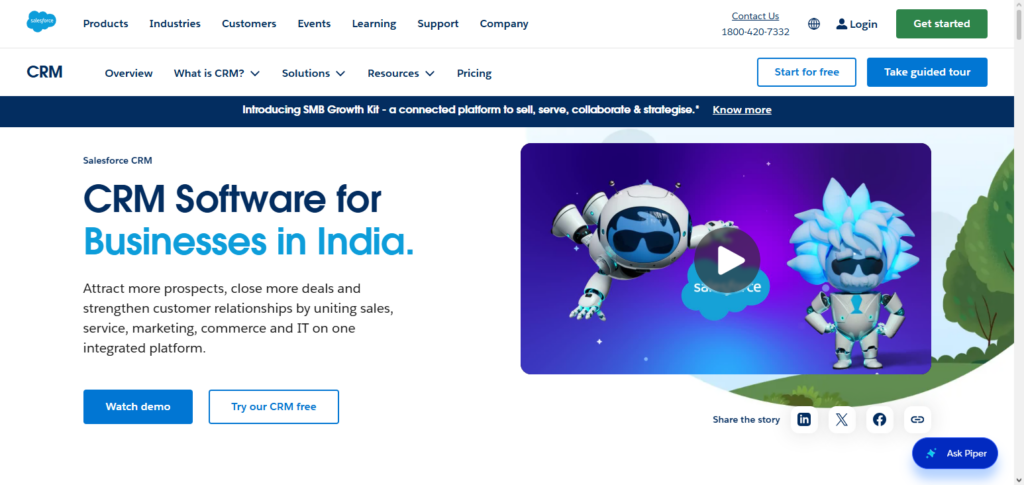
Through the use of tools like advanced AI, brokers are able to enhance the engagement of their customers, monitor the effectiveness of their operations, and optimize their business workflows. Salesforce is also extremely flexible. It can easily pivot from serving the needs of small brokerages, to large financial institutions that have a global presence.
Salesforce CRM – Pros & Cons
| Pros | Cons |
|---|---|
| Advanced automation improves broker sales and customer management processes. | Higher pricing may not suit small brokerage companies. |
| Powerful AI insights help analyze client behavior effectively. | Requires training for advanced customization and features. |
| Extensive integrations support complex brokerage operations. | Implementation can be time-consuming for new users. |
| Highly customizable dashboards improve business visibility. | Extra features often require additional paid subscriptions. |
| Strong security features protect sensitive customer information. | Complex interface may overwhelm beginner-level users. |
2. Zoho CRM
Zoho CRM is a cost-effective and flexible CRM that allows brokers to better manage their leads and automate follow-up and client management processes. The software provides tools for the automation of sales, the design of customizable workflows, the generation of reports, and an AI-buddy to facilitate better business decisions.
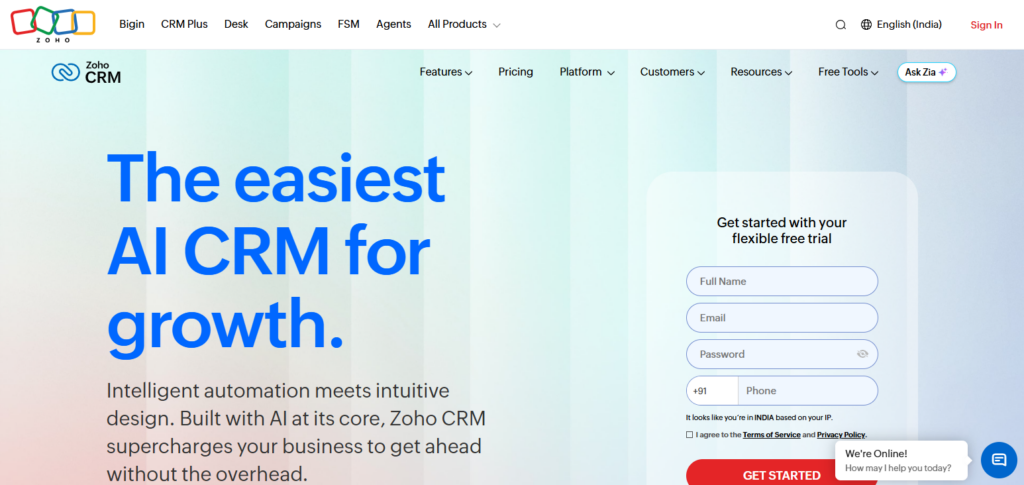
Brokers are empowered to manage client records, customer activities, and response times all from a single interface. The affordability and custom flexibility of this software is why many start-up brokerages prefer Zoho CRM.
Zoho CRM – Pros & Cons
| Pros | Cons |
|---|---|
| Affordable pricing makes it suitable for growing brokers. | Advanced features may require premium plans. |
| Easy customization helps match specific brokerage workflows. | Limited advanced analytics compared with enterprise CRM tools. |
| Automation features improve lead follow-up efficiency. | Interface can feel complex for first-time users. |
| AI assistant helps improve sales decision-making. | Customer support response may vary by region. |
| Supports multiple integrations for business operations. | Some customization options require technical knowledge. |
3. HubSpot CRM
HubSpot CRM facilitates the management of client relationships for brokers through the use of sophisticated contact management, business automation marketing tools, and sales funnel trackers. Brokerage teams are able to capture leads, log interactions, and even automate business processes through the analysis of customer activity via the HubSpot software.
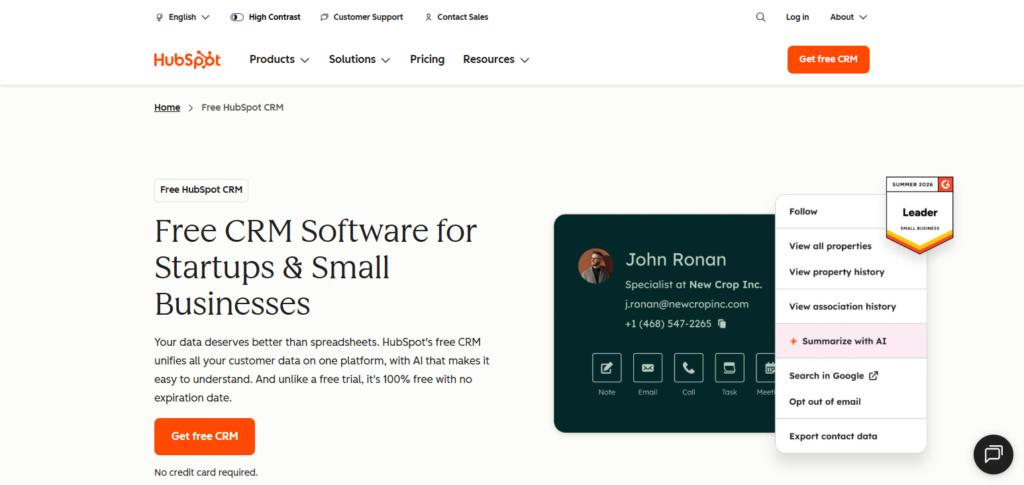
HubSpot dashboards are simple and easy to use. Because the marketing utilities are built directly into the platform, brokers are able to create and manage client relationships while also designing conversion funnels.
HubSpot CRM – Pros & Cons
| Pros | Cons |
|---|---|
| User-friendly interface allows quick CRM adoption. | Premium marketing features can become expensive. |
| Free plan supports basic broker relationship management. | Advanced reporting requires higher-tier subscriptions. |
| Strong marketing automation improves lead conversion. | Limited customization compared with enterprise solutions. |
| Excellent email tracking improves client communication. | Large databases may increase subscription costs. |
| Integrated tools support sales and customer engagement. | Some features are designed mainly for marketers. |
4. Microsoft Dynamics 365
Microsoft Dynamics 365 is another enterprise-level CRM brokerages can use. This system has automation, analytics, and finance-related integrations. Dynamics 365 combines customer management, tools for sales forecasts, and the automation of workflows and business intelligence.
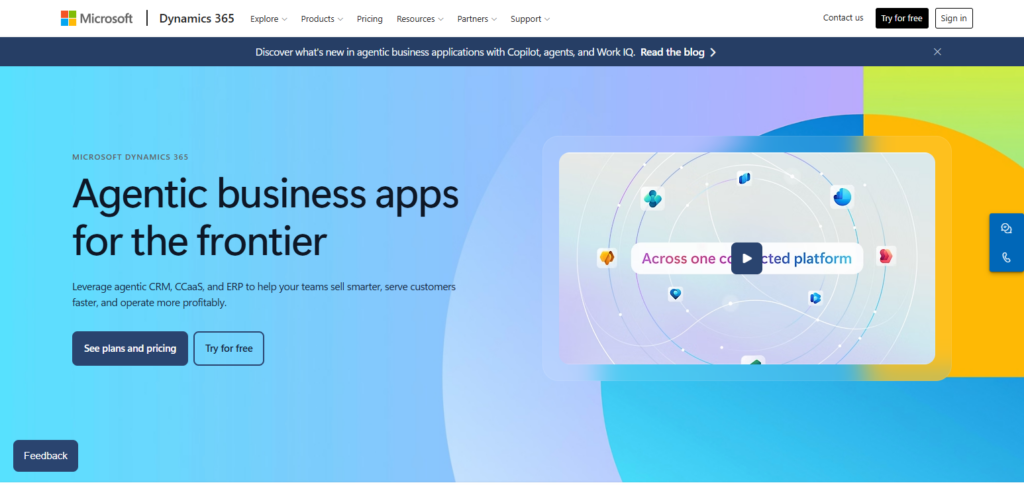
This system is helpful for brokerages to figure out customer needs, handle and record customer interactions, and manage the sales and workflows using data and insights available in real-time. Dynamics 365 also has excellent security. Since it is part of the Microsoft suite of products, brokerage firms with complex operations and large client bases would find this excellent software.
Microsoft Dynamics 365 – Pros & Cons
| Pros | Cons |
|---|---|
| Enterprise-grade security supports large brokerage firms. | Setup process requires professional implementation support. |
| Advanced analytics improve business forecasting decisions. | Licensing costs can be expensive for small firms. |
| Seamless Microsoft integration improves productivity. | Requires technical expertise for customization. |
| Powerful automation reduces manual brokerage tasks. | Learning curve is higher than simpler CRMs. |
| Scalable platform supports business growth efficiently. | Maintenance may require dedicated IT resources. |
5. Creatio CRM
Creatio CRM is another software system brokerage firms can use. This system also has great process automation and customer journey management systems. Creatio CRM focuses more on the needs of modern brokerage firms.
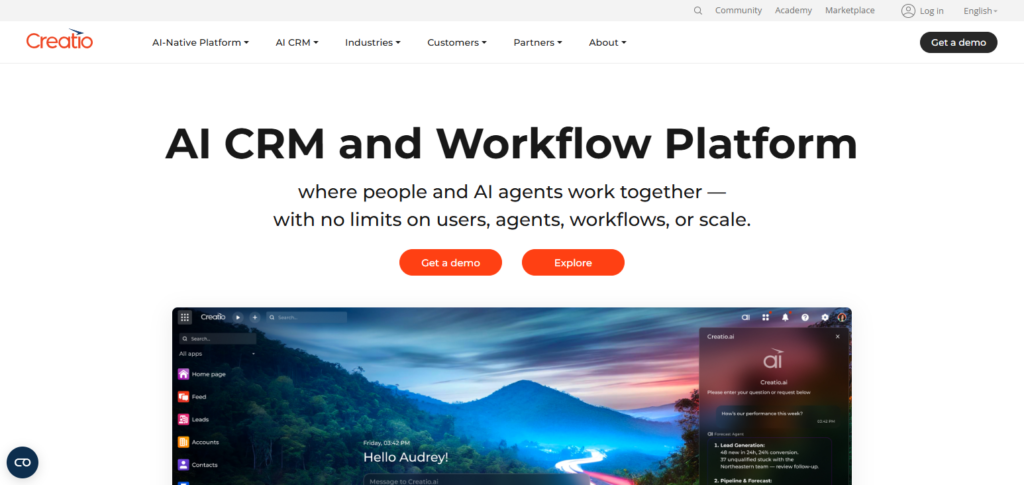
Creating workflows, automating tasks and client engagement in this system also requires little to no coding. In addition to process automation, this flexible system planning tool also saves brokerages time on manual edits or adjustments to tasks.
Creatio CRM – Pros & Cons
| Pros | Cons |
|---|---|
| No-code automation simplifies workflow creation. | Pricing may be high for small brokers. |
| Flexible customization supports unique brokerage processes. | Initial configuration requires planning and expertise. |
| Strong customer journey management improves engagement. | Smaller user community compared with major CRMs. |
| Automation reduces repetitive administrative tasks. | Advanced features may need additional training. |
| Supports complex sales process management effectively. | Limited third-party integrations in some areas. |
6. Freshsales
Freshsales is a simple design, easy to use system with all the automation tools brokerage firms need. A few of these automation tools include the ability for firms to score prospects, send automated emails, and manage the sales pipeline and reporting.
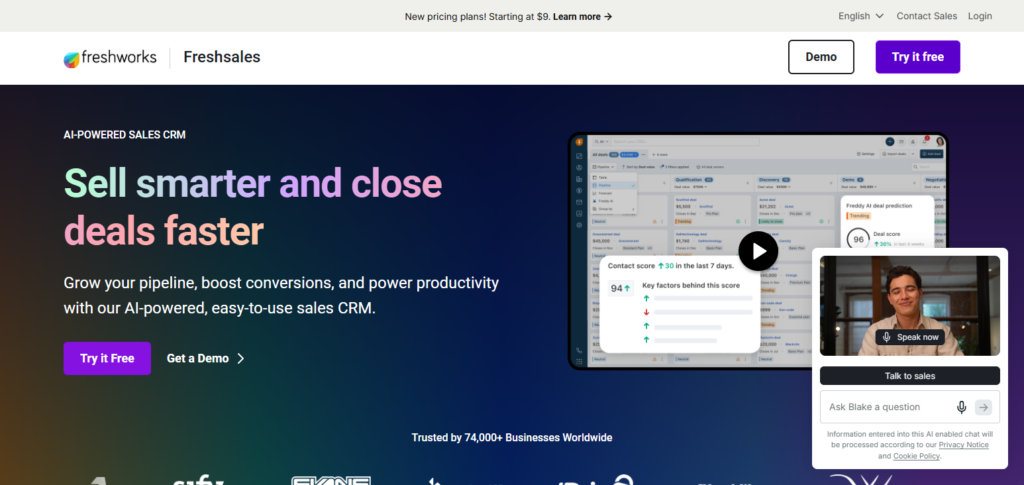
This system makes follow-up task management easier. This system also allows firms to maintain thorough customer records. Freshsales is the perfect brokerage firm productivity system with modern automation.
Freshsales – Pros & Cons
| Pros | Cons |
|---|---|
| AI-powered tools improve lead qualification accuracy. | Advanced reporting features require premium plans. |
| Simple interface helps brokers manage clients easily. | Limited customization compared with enterprise CRM systems. |
| Built-in communication tools improve customer interactions. | Some integrations need additional configuration. |
| Affordable solution for small brokerage teams. | Automation options are fewer than larger platforms. |
| Mobile CRM access supports remote broker operations. | Not ideal for highly complex workflows. |
7. Pipedrive
Pipedrive is a sales CRM that helps brokers with deal management and opportunity tracking. The platform includes visual sales tracking and automation, as well as reminders and activity analytics.
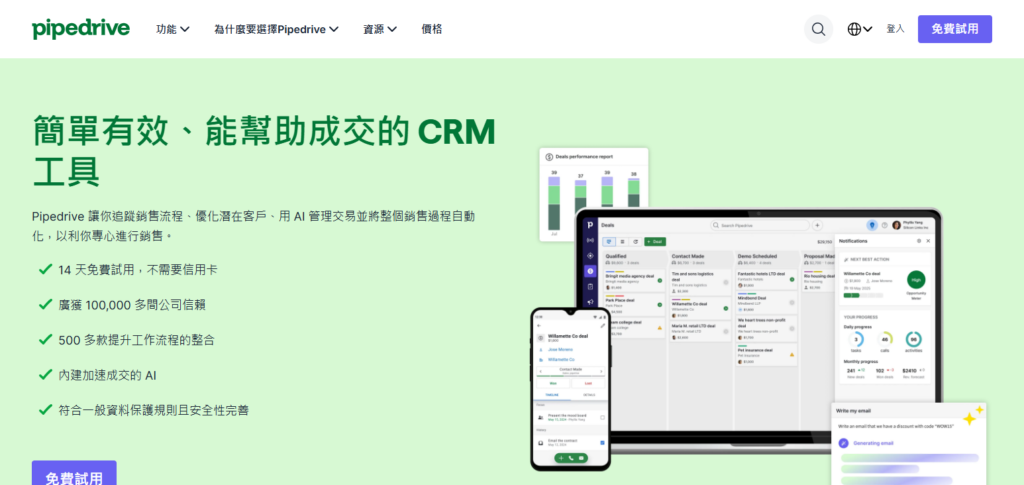
Organized workflows helps brokers track journeys, prioritize clients, and increase conversions. Pipedrive is easy to use and helps brokers manage pipelines and track deals while providing optimal management and engagement.
Pipedrive – Pros & Cons
| Pros | Cons |
|---|---|
| Visual sales pipeline simplifies deal management. | Limited marketing automation capabilities. |
| Easy setup helps brokers start quickly. | Advanced features require higher subscription plans. |
| Activity tracking improves sales team productivity. | Reporting tools are basic compared with enterprise CRMs. |
| User-friendly design supports daily brokerage activities. | Less suitable for large financial organizations. |
| Automation features reduce manual sales tasks. | Customization options are somewhat limited. |
8. Bitrix24
Bitrix24 helps support brokerage operations by providing a CRM system along with communication, collaboration, and automation tools. This software helps brokers manage sales, clients, leads, and even their teams. Bitrix24 helps to boost team productivity with its task management, communication, reporting, and workflow automation features.
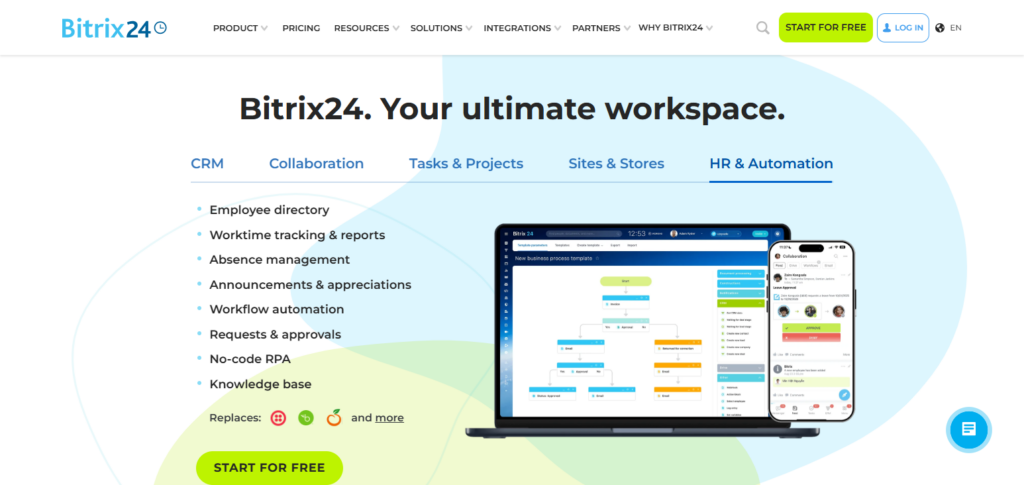
This system is great for brokers looking for a complete business management system, as it greatly helps to balance team coordination along with streamlined client relationship management.
Bitrix24 – Pros & Cons
| Pros | Cons |
|---|---|
| All-in-one platform combines CRM and collaboration tools. | Interface can feel crowded for new users. |
| Affordable plans support small brokerage businesses. | Advanced features require learning and setup time. |
| Team communication improves internal coordination. | Customer support quality may vary. |
| Workflow automation increases operational efficiency. | Some tools may feel unnecessary for brokers. |
| Provides project and task management capabilities. | Performance can reduce with large data volumes. |
9. Insightly
Insightly CRM seamlessly helps brokers manage their sales, clients, and even customer interactions, along with project management. Some key features of the platform include relationship linking, workflow automation, reporting dashboards, and task management.
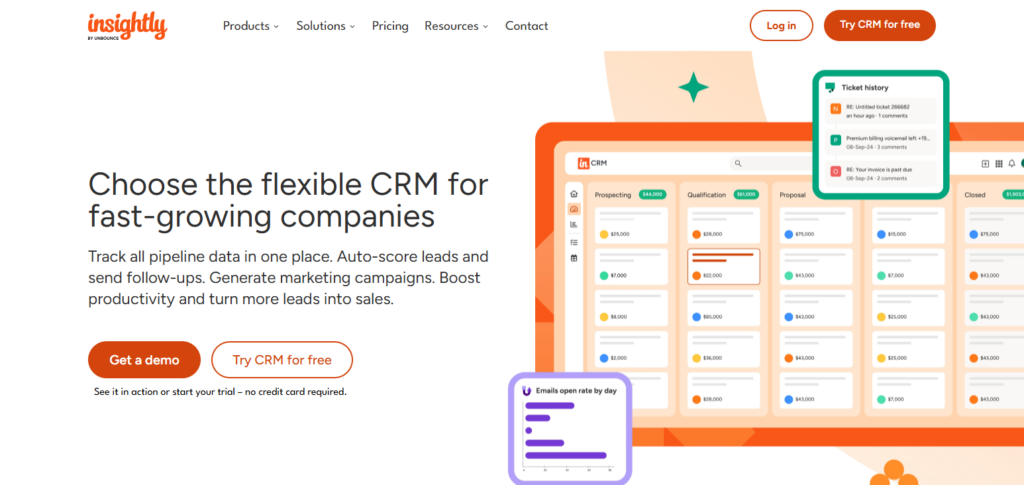
Insightly is a great fit for brokerage and financial management firms that need a system with CRM and project management capabilities. The platform’s structure greatly boosts teams’ abilities to manage contact records and clearly enhances client relationship management.
Insightly – Pros & Cons
| Pros | Cons |
|---|---|
| Combines CRM with project management capabilities. | Limited advanced automation compared with competitors. |
| Relationship tracking improves client management. | Higher plans are needed for full functionality. |
| Easy contact organization helps brokers stay productive. | Reporting features may lack deeper analytics. |
| Workflow tools improve business process efficiency. | Smaller ecosystem compared with Salesforce or HubSpot. |
| Suitable for small and medium brokerages. | Customization options are somewhat restricted. |
10. Monday Sales CRM
Brokers can utilize customizable dashboards and workflow management tools via monday.com Sales CRM to gain crucial insights into key relationship building and management processes such as activity, lead, and client management and tracking. Teams can seamlessly design personal sales pipelines and automate task assignment and execution to continually track performance metrics.
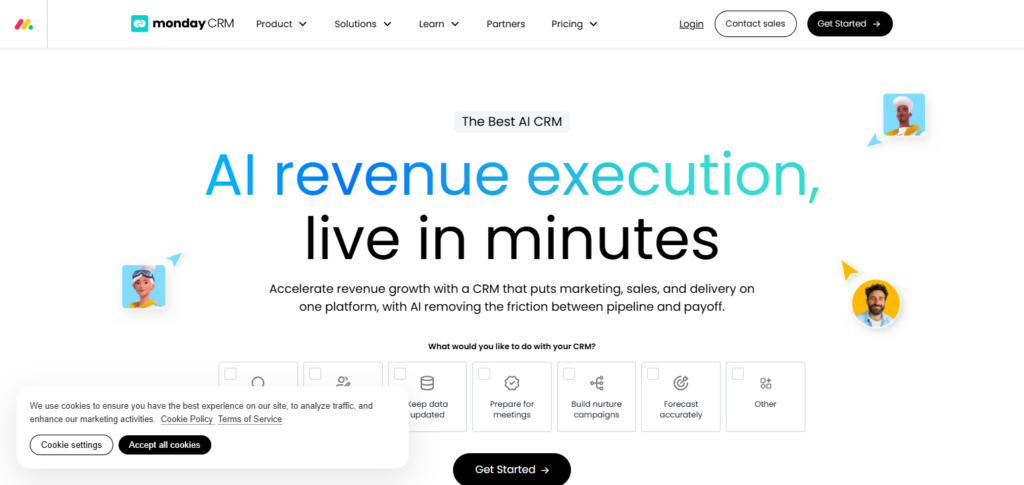
Monday.com Sales CRM entraps communication management and fosters collaboration via the organization of client information and the tracking of communication histories. Flexible customization and visual project management capabilities make Monday Sales CRM an ideal choice for modern brokerages looking for an adaptable and efficient CRM system.
Monday Sales CRM – Pros & Cons
| Pros | Cons |
|---|---|
| Highly customizable dashboards improve workflow visibility. | Advanced CRM features require paid subscriptions. |
| Visual interface makes pipeline tracking simple. | Not designed specifically for financial brokerages. |
| Automation reduces repetitive sales activities. | Large teams may face higher costs. |
| Strong collaboration features improve teamwork. | Reporting capabilities are less advanced than enterprise CRMs. |
| Flexible templates support different brokerage processes. | Initial setup requires customization effort. |
How To Choose the Best Broker CRM Software?
- Identify Business Requirements: The goals of your brokerage will drive the solution you select. Understand the features that will be essential to meet your goals.
- Check Automation Features: Automated reporting and lead management help streamline workflows. Ensure the software you select has these features.
- Evaluate Security & Compliance: Ensure the software you select has adequate data protection with built-in privacy features and compliance with regulations.
- Compare Pricing & Scalability: The solution you select should fit within your budget for now and for the time that you will need it in the future.
- Consider Integrations: Select a CRM that easily integrates with the needed Business tools, Trading Platforms, and Payment Modules.
- Review User Experience & Support: Ensure you select a CRM with an easy to use interface, excellent and responsive support.
Future Trends In Broker CRM Software (2026)
- AI-Driven Customer Insights: CRM services will harness AI technologies for the analysis of client behavior, preferences, and trading patterns.
- Sales Opportunity Predictions: Analytics will empower brokers to identify and refine mechanisms to close ostensible trading clients.
- Client Communication Automation: The automation of emails, reminders, and personalized client interactions will be facilitated by AI chatbots.
- Blockchain Data Security: Data security, transparency, and the protection of client data will be enhanced with the incorporation of blockchain technologies.
- Client Customization and ML: Services and recommendations based on the preferences of individual clients will be accomplished via the deployment of machine learning.
- Cloud-based CRM Technologies: Brokerages will choose to optimize their resources, cost, and time with the use of cloud-based CRM Technologies.
Conclusion
To Summarize, Selecting The Best Broker CRM Software assists brokerage companies in excellent client and sales employee management by automating everyday chores and improving sales efficiency. Advanced modern CRM platforms include support for business development with analytics, insights led by AI, and robust data management.
If your CRM requirements include automation, customization, or advanced scaling, the appropriate CRM solution enables your organization to improve client relationships, add further optimization to existing workflows, and ensure that brokers remain competitive in the dynamic financial services industry.
FAQs
Brokers use CRM software to automate tasks, improve client relationships, track leads, and increase sales productivity.
Salesforce CRM, Zoho CRM, HubSpot CRM, and Microsoft Dynamics 365 are among the top broker CRM solutions.
Yes, CRM platforms automate emails, reminders, notifications, and client communication workflows.
Yes, many CRM solutions offer affordable plans designed for small and growing brokerage businesses.

