


In this article, I will examine the Leading Trading Terminal Providers. This will include Providers with sophisticated technology, analytical tools, and features for fast and easy order executions. These Providers offer professional services to investors in the equities, forex, futures and options, and crypto markets.
Key Points & Best Trading Terminal Providers
| Trading Terminal Provider | Explanation |
|---|---|
| TradingView | Advanced charts, market analysis, indicators, and social trading features for global traders. |
| MetaTrader 5 | Popular multi-asset terminal supporting forex, stocks, CFDs, and automated strategies. |
| cTrader | Professional trading platform offering transparent execution and advanced order management tools. |
| NinjaTrader | Futures trading terminal providing powerful analytics, charts, and automated trading capabilities. |
| Interactive Brokers Trader Workstation | Comprehensive terminal offering global markets access, research, and advanced trading tools. |
| Bloomberg Terminal | Institutional platform delivering financial data, analytics, news, and trading solutions. |
| E*TRADE | Online trading terminal providing investments, research tools, and portfolio management features. |
| Thinkorswim | Advanced platform with technical analysis, options trading, and customizable dashboards. |
| CQG | Professional futures trading terminal offering real-time data and execution solutions. |
| Sierra Chart | High-performance trading software specializing in futures charts and market analysis. |
10 Best Trading Terminal Providers
1. TradingView
TradingView aims to provide seamless integration of all the tools needed for analysis and trading. It offers sophisticated charting and analysis tools, as well as data and analysis provided by the community. TradingView’s newest features include new screeners, multi-market tracking, and improved broker integrations.
Traders can handle stocks, crypto, forex, commodities, and indices all on the same platform. TradingView has social trading capabilities and thousands of indicators, making it a great resource for traders of all levels.
TradingView Features
- Offers advanced charting tools and fantastic interactivity.
- Users can manipulate and customize time frames.
- Has real-time data for stocks, forex, crypto, and commodities.
- Provides thousands of technical indicators and tools to support custom scripts.
- Features AI to provide analysis of trends and market movements.
- Includes social features for a trading community.
- Integrates with various brokers for seamless trading.
- Offers customizable dashboards and highly individualized watchlists.
| Pros | Cons |
|---|---|
| Excellent charting tools with thousands of indicators. | Advanced features require paid subscription plans. |
| Supports multiple markets including crypto and forex. | Limited direct trading features with some brokers. |
| Strong social trading and community insights. | Large number of indicators may confuse beginners. |
| User-friendly interface for all experience levels. | Real-time data may require additional fees. |
2. MetaTrader 5
MetaTrader 5 (MT5) is an incredibly flexible and user-friendly multi-asset trading terminal. MT5 is specifically designed for the trading of forex, stocks, futures, and CFDs. MT5 offers advanced charting and great analysis tools, as well as the Economic Calendar and the ability to automate the trading and testing of your personal strategies via Expert Advisors.
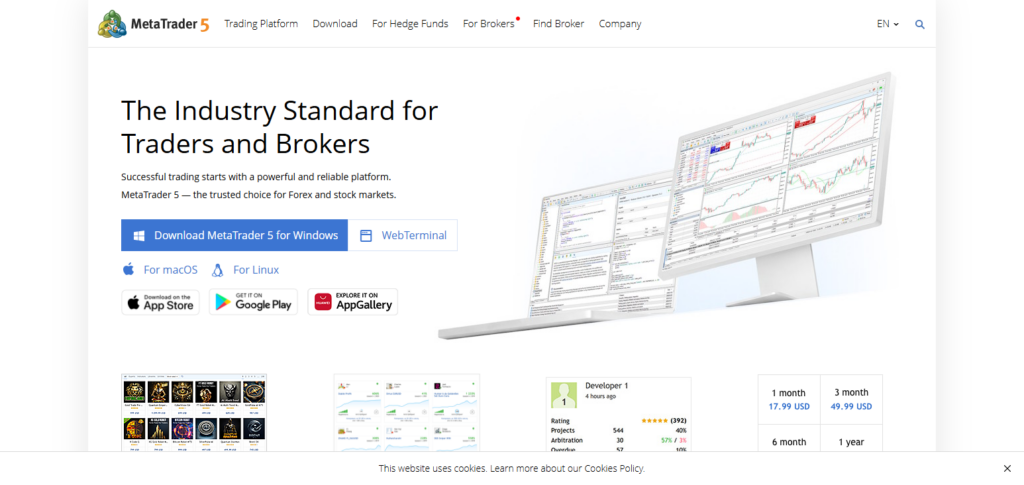
Most of MT5’s improvements and new features focus on the broker-client relationship. MT5 is a great platform for professional traders, as it offers a great degree of flexibility and customization, as well as fast execution and numerous order types. It is incredibly popular among traders and brokers alike.
MetaTrader 5 Features
- Users can trade forex, stocks, and CFDs all in one platform.
- Has advanced features for technical analysis.
- Allows automated trading using custom Expert Advisors.
- Includes a calendar for market events.
- Includes various order types and trading strategies.
- Supports the algorithmic trading with ease of execution.
- Connects with various brokers for fast execution.
| Pros | Cons |
|---|---|
| Supports multiple asset classes and trading instruments. | Interface design feels outdated for some users. |
| Powerful automated trading with Expert Advisors. | Requires learning for advanced customization. |
| Fast execution and broker compatibility. | Some indicators need external installation. |
| Strong backtesting and strategy development tools. | Limited built-in market research features. |
3. cTrader
cTrader is an advanced trading terminal with sophisticated order management, advanced execution, transparency features, and an institutional level trading environment. cTrader offers advanced charts, level II pricing, and algorithmic trading via cBots.
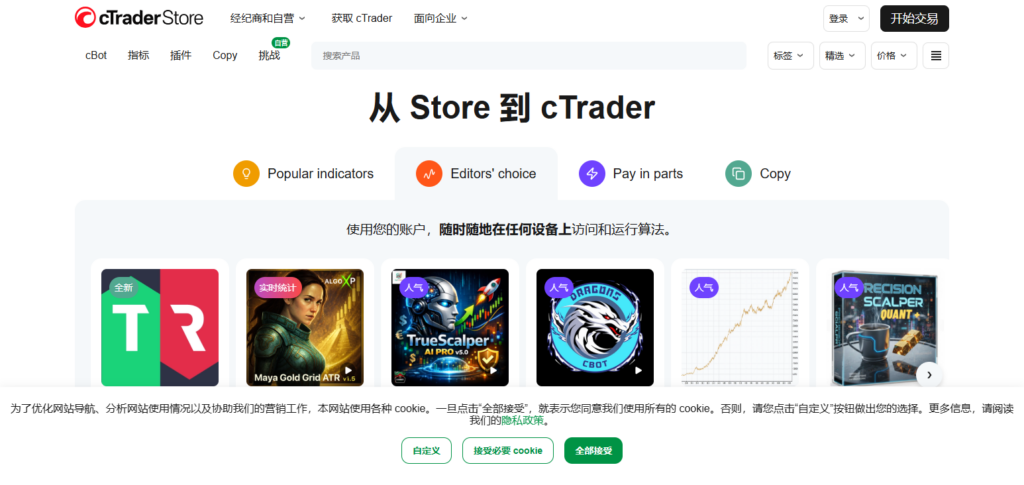
Recent updates have improved automation tools, cTrader’s mobile application, and offered a cloud based synchronization for your trading workspaces. cTrader is a popular choice among traders for its fast and transparent execution of orders, as well as its trading infrastructure and advanced risk management.
cTrader Features
- cTrader provides an advanced trading environment and charts.
- Offers an ECN environment with fast trade execution.
- cTrader provides an excellent professional interface for traders that deal with Forex and CFDs.
- cTrader provides Level II pricing.
- features cBots for automated trading.
- Offers cloud based synchronization for advanced order and trade controls.
| Pros | Cons |
|---|---|
| Provides transparent ECN-style trading execution. | Fewer brokers support cTrader compared to MT5. |
| Advanced charts and professional trading interface. | Smaller user community than major platforms. |
| Supports automated trading through cBots. | Limited asset coverage outside forex and CFDs. |
| Excellent risk management features. | Advanced tools require trading experience. |
4. NinjaTrader
NinjaTrader provides active traders with a comprehensive, specialized trading terminal for trading futures. This platform offers advanced charts, automated trading logic, market replay, and custom indicators. The most recent changes include new cloud features, refined order flow tools, and personalized broker integration. NinjaTrader understands that it is important for a trader to understand the market.
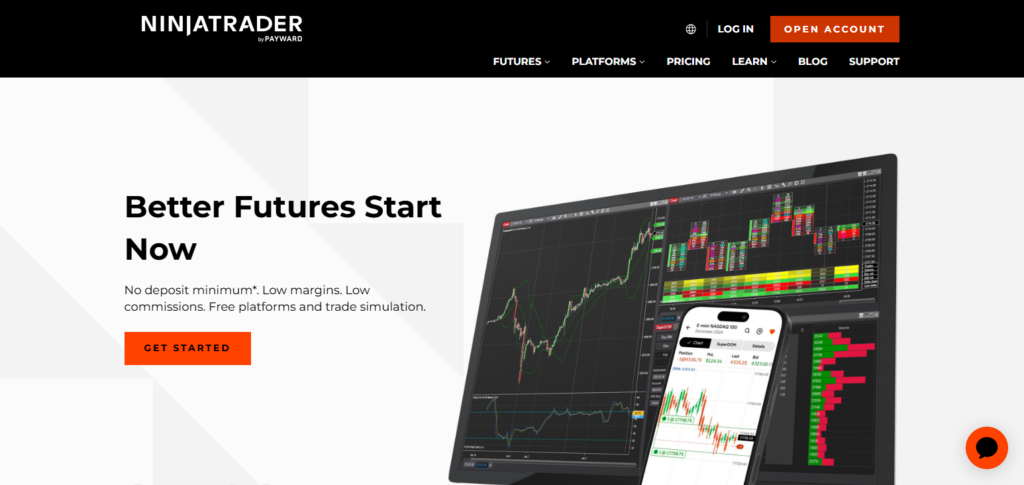
This platform excels at detailed analysis of market volume, and, therefore, is preferred among futures traders. NinjaTrader provides advanced analytics and flexibly designed tools and is used widely among futures traders for all of the above reasons, plus its precision and great logic.
NinjaTrader Features
- Provides advanced analysis for trading Futures.
- Allows users to fully customize indicators.
- Offers advanced charting and automated trade strategy development.
- Users can practice trading using the market replay feature.
- Provides analysis for trade order flows.
- Offers advanced execution services with Futures data.
| Pros | Cons |
|---|---|
| Powerful futures trading and analysis capabilities. | Mainly focused on futures markets. |
| Advanced order flow and market replay tools. | Learning curve is high for beginners. |
| Supports automated strategy development. | Some features require premium subscriptions. |
| Strong customization options for traders. | Limited international market access. |
5. Interactive Brokers Trader Workstation (TWS)
Interactive Brokers Trader Workstation offers a powerful trading terminal that provides your gateway to the global financial markets. TWS offers access to equities, options, futures, fixed income, and foreign currencies. TWS’ features include advanced portfolio and risk analytics, integration of your algorithms, and research tools.
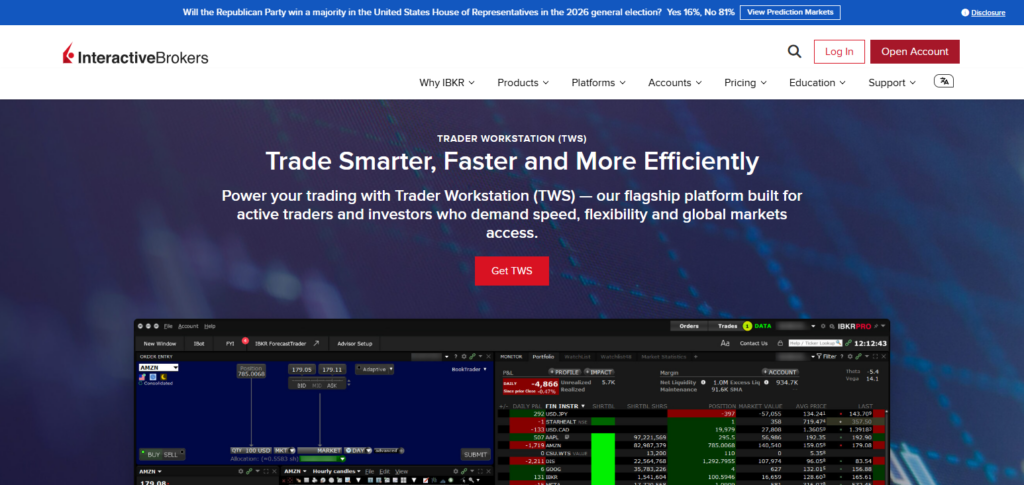
Newer developments focus on the improvement of TWS’ intuitive design, AI tools, and faster access to markets. TWS is highly favored among institutional traders and investors for the level of power the platform offers to diversify your global portfolio.
Interactive Brokers Trader Workstation (TWS) Features
- Access to numerous global markets and asset classes.
- Sophisticated tools for portfolio analysis and risk management.
- Algorithmic trading and smart order routing.
- Professional research and market intelligence.
- Options analysis and trading tools.
- A configurable trading workspace.
- Multicurrency investments and portfolio support.
| Pros | Cons |
|---|---|
| Access to thousands of global financial instruments. | Platform interface can feel complex. |
| Advanced portfolio and risk management tools. | Not ideal for beginner traders. |
| Professional research and analytical features. | Requires time to learn advanced functions. |
| Supports algorithmic and multi-currency trading. | Mobile experience is less powerful than desktop. |
6. Bloomberg Terminal
Bloomberg Terminal is the industry’s top institutional trading platform. Investment banks, hedge funds, asset managers, and professional traders all engage on this trading terminal. Bloomberg Terminal provides the trader with the ability to analyze and trade using the most current market data and news along with all of the research tools at your disposal.
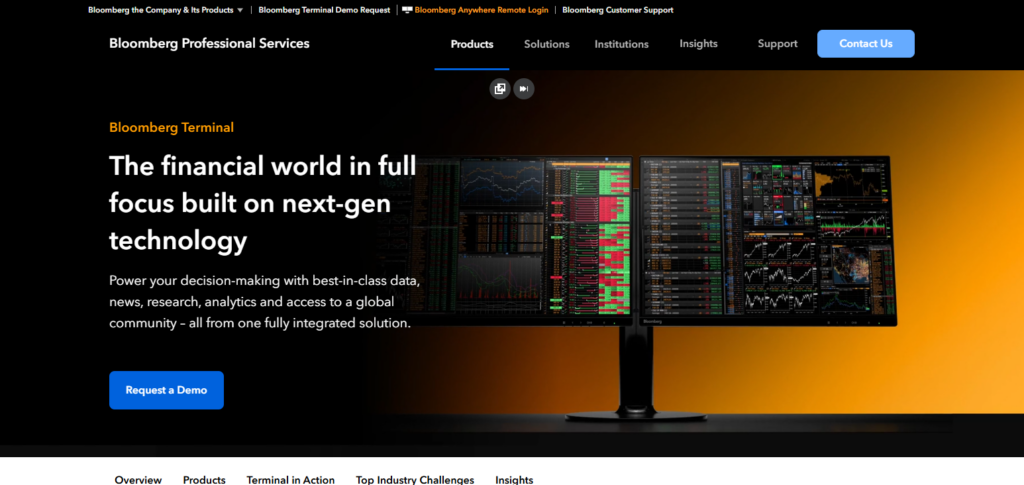
The advanced decision tools and market data and research that Bloomberg Terminal provides makes the cost worth it when you consider the competition. The newest iterations of Bloomberg Terminal incorporate everything from improved data visualization and automated workflows to analysis and insight that are all powered by AI.
Bloomberg Terminal Features
- Financial news and data with instantaneous global coverage.
- Professional grade analytics with order routing and trading.
- AI research and financial insights.
- Assessment of economic data and financial statements.
- Coverage of all major markets.
- Proprietary secure communication.
| Pros | Cons |
|---|---|
| Provides premium real-time financial information. | Extremely expensive for individual traders. |
| Trusted by global financial institutions. | Requires professional training to use effectively. |
| Advanced analytics and market intelligence tools. | Complex interface for new users. |
| Covers multiple global asset classes. | Mostly designed for institutional professionals. |
7. E*TRADE
ETRADE is an online investment platform that lets one buy and sell stocks, ETFs, options, mutual funds, and retirement accounts. ETRADE provides research tools and dashboards for consumers to manage their portfolios and even provides educational resources. The focus of their recent updates has been on improving the mobile experience, creating easier investing workflows, and providing better market insights.
Overall, ETRADE is a good platform for retail investors who want a platform that is easy to navigate and provides professional research tools. Therefore, ETRADE is another strong option for long-term investing, but for those that prefer to invest in a more active manner.
E*TRADE Features
- Simple trading interface with online investing.
- Trade popular securities, ETFs, options, and mutual funds.
- Access to quality market insights and research.
- Tools to assess and manage your portfolio.
- Beginner educational tools and resources.
- Alerts and custom dashboards.
- Smartphone access.
| Pros | Cons |
|---|---|
| Easy-to-use platform for retail investors. | Limited advanced trading features compared to professionals. |
| Strong research and educational resources. | Mainly focused on US markets. |
| Supports stocks, ETFs, and options trading. | Fewer customization options for experts. |
| Reliable mobile trading applications. | Advanced tools may feel basic for active traders. |
8. Thinkorswim
Thinkorswim is a terminal designed for trading stocks, options, and futures, with an emphasis on Active Traders and technical analysis. This terminal specializes in forged scanning, highly customizable charting, and analysis, as well as risk assessment and strategy construction and practice via paper trading.
Some of the recent advantages Thinkorswim has incorporated are a significant boost in the speed and efficiency of the terminal, high level analytics, and greatly increased brokerage service integration. For options trading, Thinkorswim is among the top in its class.
Thinkorswim Features
- Advanced technical analysis and charting capabilities.
- Powerful options trading and strategy-building tools.
- Custom scanners for finding market opportunities.
- Paper trading environment for strategy testing.
- Risk analysis tools for better decision-making.
- Real-time market data and alerts.
- Customizable workspace for active traders.
| Pros | Cons |
|---|---|
| Excellent technical analysis and charting tools. | Platform can be overwhelming for beginners. |
| Powerful options trading capabilities. | Requires time to understand advanced features. |
| Offers paper trading for practice. | Mainly available through specific brokerage access. |
| Customizable workspace and trading tools. | Resource-heavy desktop application. |
9. CQG
CQG is a terminal for trading futures, and derivate and commodity based markets. CQG specializes in professional, high speed trading and offers the necessary tools and resources to run a truly sophisticated future trading operation.
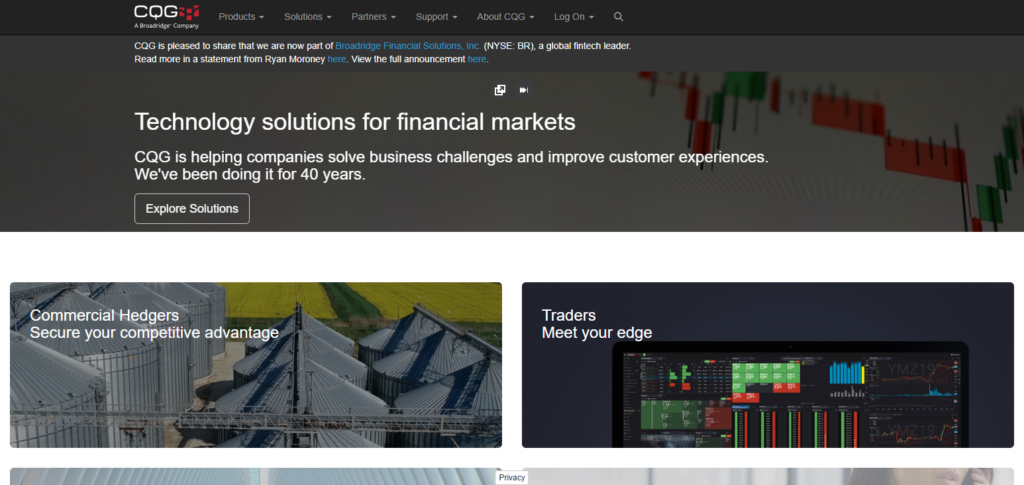
CQG is unique in that it is a terminal based purely on trading. CQG is truly the best of the best when it comes to execution on futures. CQG is a terminal for future traders that truly offers all of the sophisticated services that a future trader would wish for.
CQG Features
- Professional support for futures and derivatives.
- Advanced analytics with high speed data.
- Advanced charting with technical analysis.
- Instant access to international futures exchanges.
- Trade management and order routing systems.
- Flexible, cloud-based trading systems.
- Professional-grade analytics for traders.
| Pros | Cons |
|---|---|
| Professional-grade futures trading infrastructure. | Expensive compared to retail platforms. |
| High-speed market data and execution. | Limited suitability for beginners. |
| Strong exchange connectivity and analytics. | Focused mainly on futures and derivatives. |
| Reliable tools for institutional traders. | Requires professional market knowledge. |
10. Sierra Chart
Sierra Chart is designed for professional traders who need advanced technical analysis tools and deep futures trading capabilities. Customizable charts, automated trading, profile trading, and extensive analysis of market depth and trade volume are some of the features available.
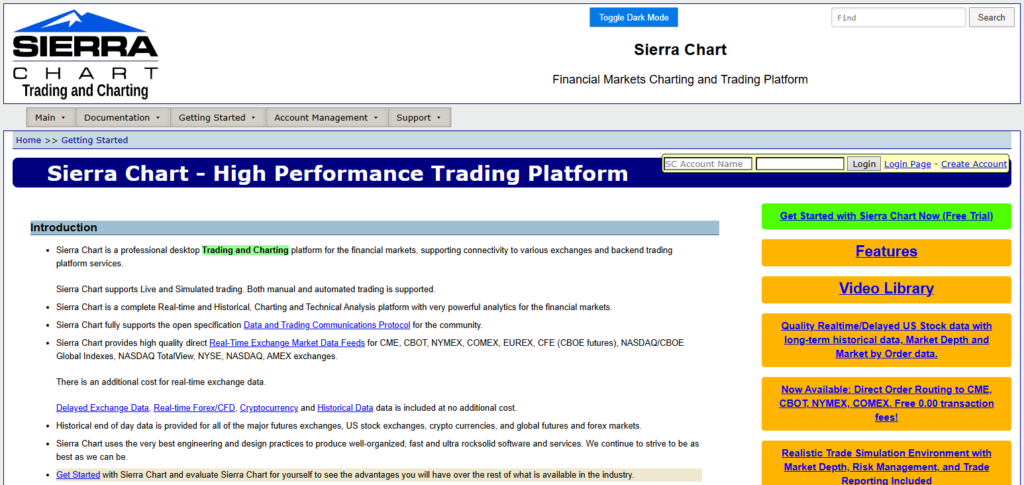
Sierra Chart is frequently updated and recent improvements have added new capabilities and made the program faster and better at managing trading data. Futures traders especially appreciate Sierra Chart for its accuracy, flexibility, and ability to meet the professional futures trader analysis and market complexity requirements.
Sierra Chart Features
- Fast, professional-grade charting.
- Superior analysis of market depth and order flow.
- Trading activity and volume profiling.
- Automated trading and custom indicators.
- Low resource usage with rapid data processing.
- Analysis and execution for futures trading.
- Highly customizable systems for expert traders.
| Pros | Cons |
|---|---|
| Extremely powerful charting and analysis capabilities. | Interface looks less modern than competitors. |
| Low resource usage and fast performance. | Steep learning curve for new traders. |
| Advanced market depth and volume analysis. | Limited beginner-friendly educational support. |
| Highly customizable trading environment. | Requires technical knowledge for optimization. |
Conclusion
In conclusion, the best judgment when selecting Terminal Providers for Trading is based on your specific trading objectives, the needs of the market, and your level of experience.
TradingView, MetaTrader 5, cTrader, Bloomberg Terminal, and NinjaTrader offer available resources for analysis, execution, and the development of trade strategies. Traders can improve their decision-making skills through the selection process and see considerable access to the market and resources for effective trading on various financial markets.
FAQ
TradingView and E*TRADE are beginner-friendly with simple interfaces and educational tools.
Bloomberg Terminal, TWS, and CQG are preferred by professional traders.
Yes, MetaTrader 5 provides advanced forex tools, automation, and broker integrations.
MetaTrader 5, cTrader, NinjaTrader, and Sierra Chart support automated strategies.

